|
Sending The Document
|   |
|
Sending The Document
| |
Once the template has been created and the members have been selected, the document can now be e mailed and / or printed.
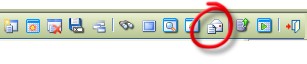
Click on Generate E Mail and Print batch
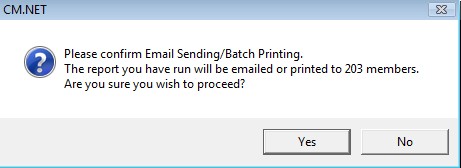
You will see a message similar to below appear, click Yes.
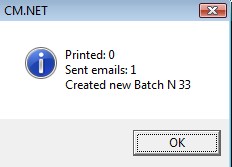
A progress bar will appear and when the process is complete a summary box will appear.
To view the batch go to:
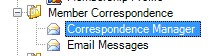
Here you can view all batches.
Also, in the Member Details, Notes Tab.

Double click on the letter icon will open up the document sent.