|
Printing
|   |
|
Printing
| |
Go to:
Member | Reports and Data Mining | Subscription Letter
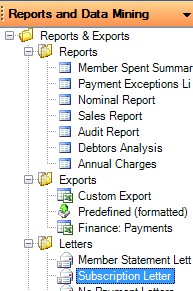
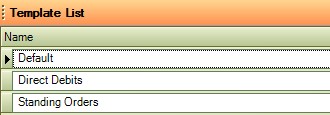
Select the letter template that you want to use
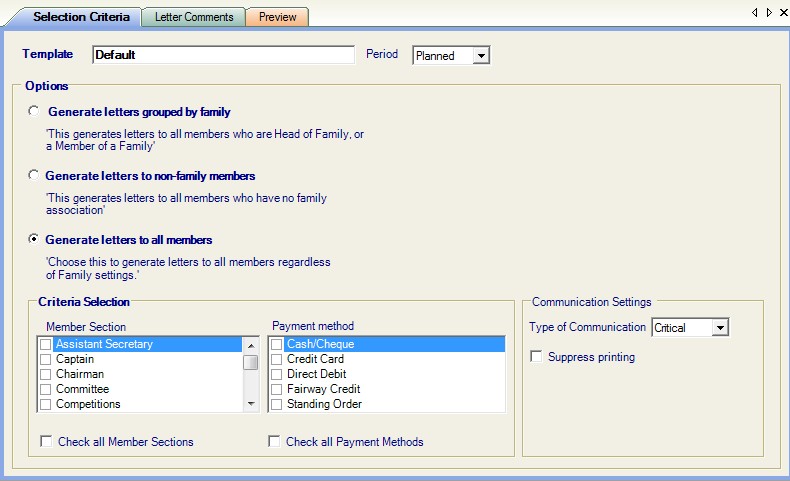
Options - you will be printing the sub notices in the Planned Year.
Chose Generate letters to all members, unless you want to group the letters together by family members.
Criteria Selection
Member Section - chose either all sections or tick the sections you require
Payment Method - chose either all Payment Methods or tick the method you require
You may have a different sub letter for different methods of payment
Communication Settings
Type of Communication
Depending on how you are sending the sub notices, either printing only or e mailing and printing or e mailing only
Click on the drop down arrow:
Printing = printing only
Critical = e mailing - to those members who have an e mail address and a tick in critical (see member contact details)
this will also print those notices where the member has either no e mail address and / or no tick in the critical box
Suppress Printing = tick the box when no printing is required
Now click on view 
The sub notices selected will now be displayed
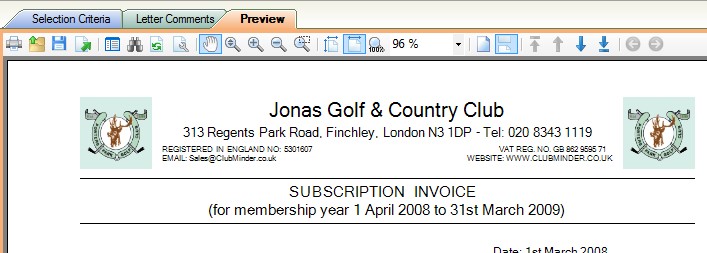
Click on the printer icon to commence printing.